
3.8 KiB
+++ title = "Modern Unix Commands" date = 2026-01-29 description = "Modern alternatives to classic Unix commands" +++
There might be dozens of "modern alternatives" to every classic Unix command if you look into them; I am not a big fan of reinventing wheels, but some of these alternatives are indeed nice and more user-friendly than their classic counterparts.
cd -> zoxide
cd needs the exact absolute or relative path to work.
zoxide will remember the directories I visited, and I can quickly jump back to those directories with fuzzy path matching.
Let's say I am currently in ~/Documents/Projects/personal-blog and I want to jump to ~/.config/nix.
With the classic cd, I will have to type the whole path.
With cd aliased to zoxide, I only need to type cd n (supposing that ~/.config/nix is the most frequently visited directory among all matched directories).
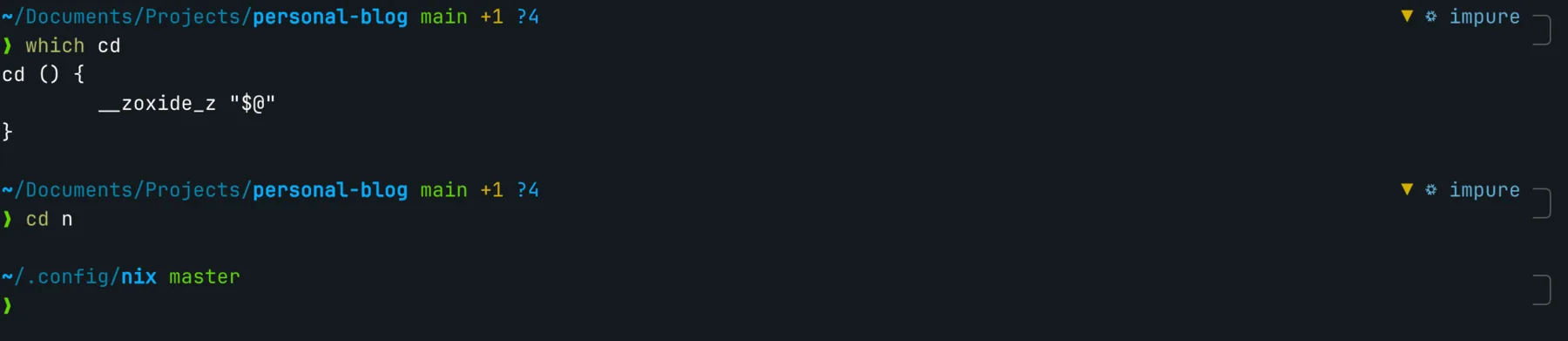
Fuzzy directory jump with
zoxide.
Internally zoxide records my visits to directories in a SQLite database and sorts them based on frequency. If the first hit is not what I want, I can also interactively select from the matched list.
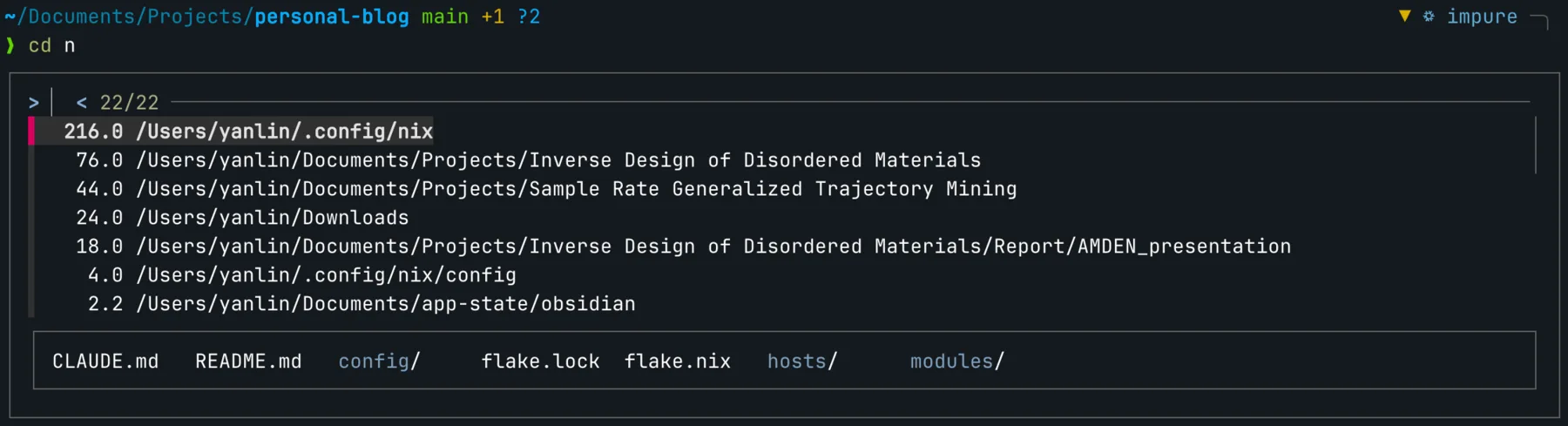
Candidate selection screen of
zoxide.
du -> ncdu
du is quite basic, and I usually need to add several arguments to make it somewhat usable. For example, -d 1 to control the depth, -h to make the size human-readable.
ncdu is an interactive alternative to du, and is very usable out of the box. Interestingly, I also feel it is a touch faster than du.
It can totally be an alternative to those fancy disk space analyzers as well.
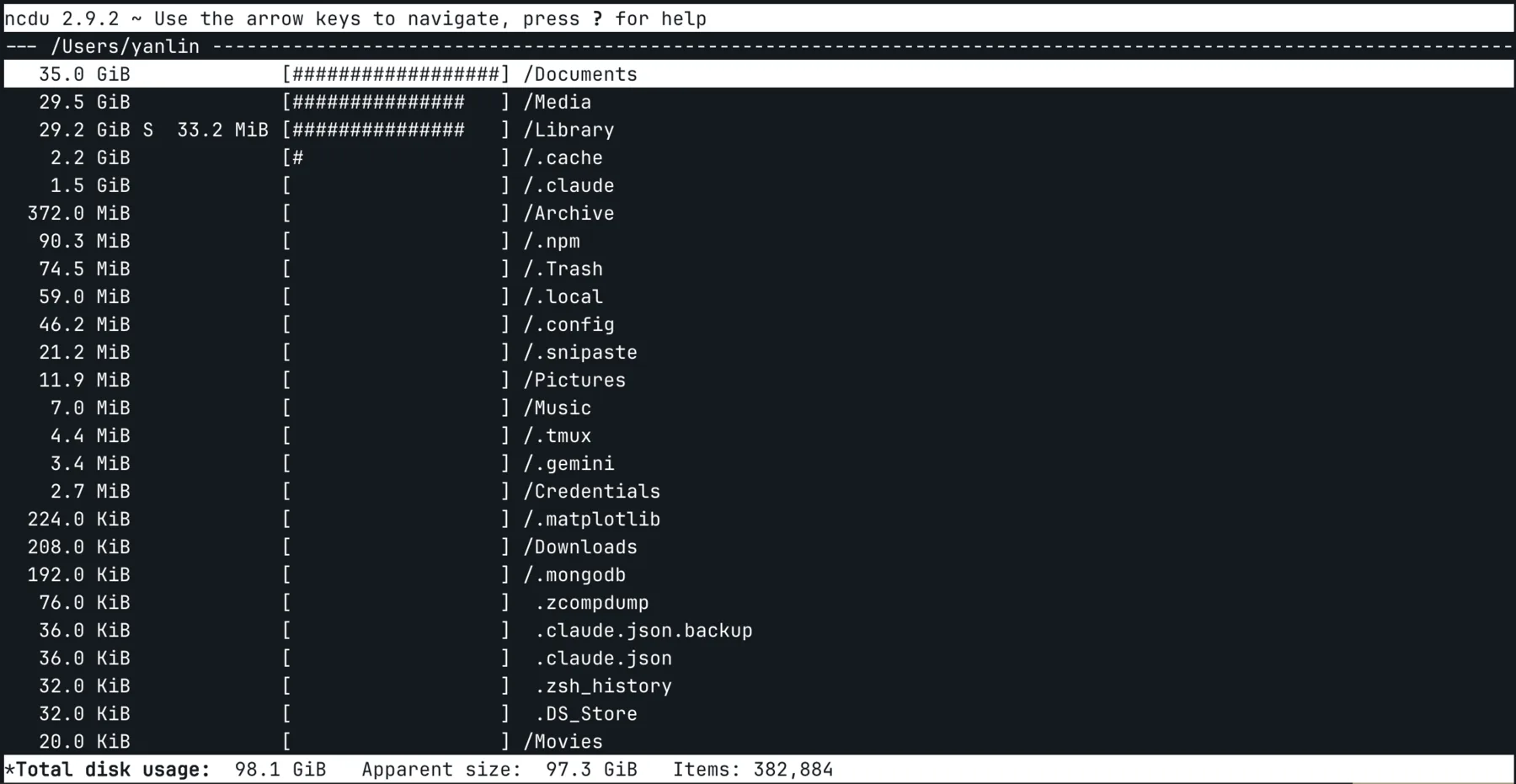
Interface of
ncdu.
top -> btop
top is quite basic and looks "unexciting". htop also ships with most Unix/Linux systems and looks better.
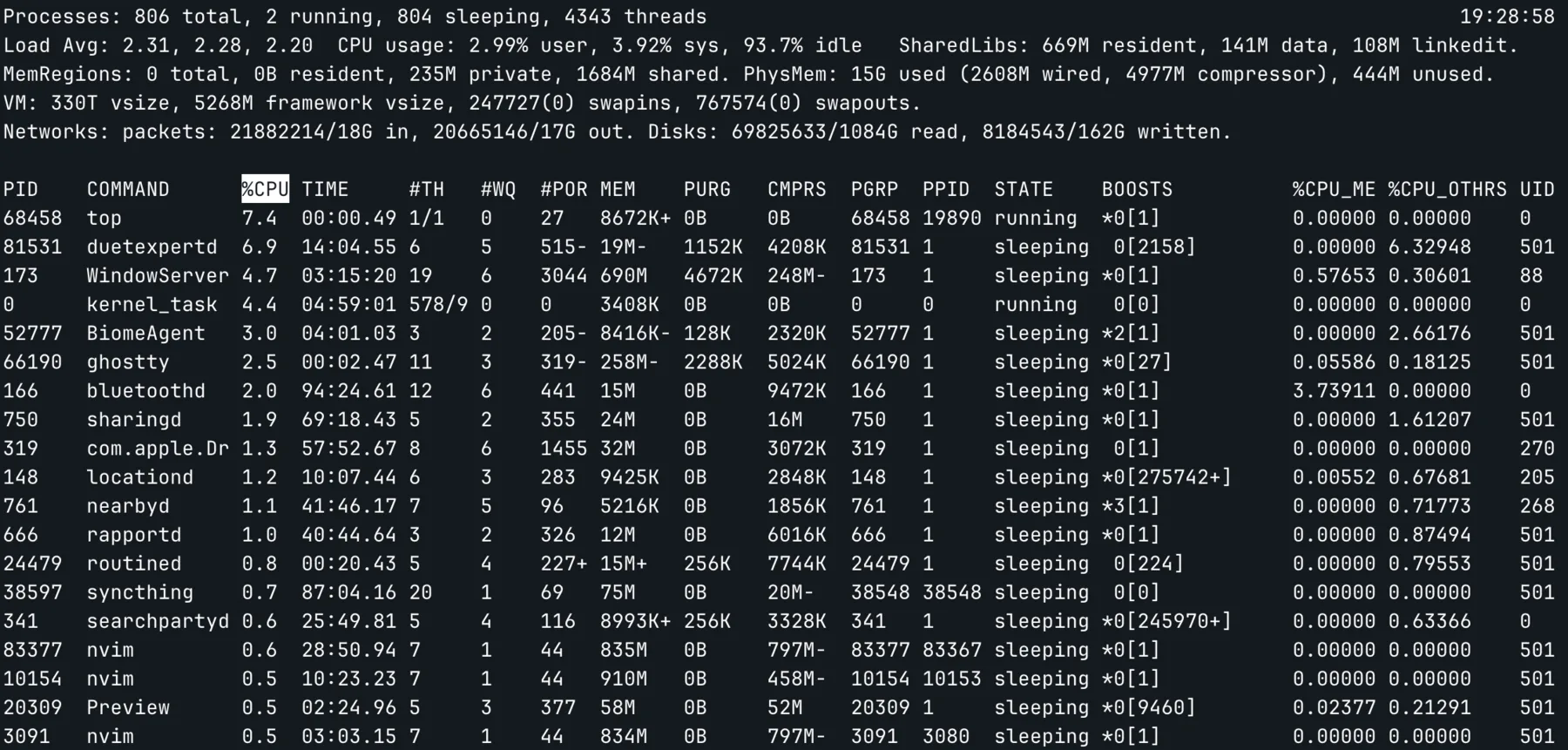
The default look of
top.
btop might be the most "nerdy-looking" top alternative out of the box. It can be a handy tool if you are trying to make people believe you are a hacker.
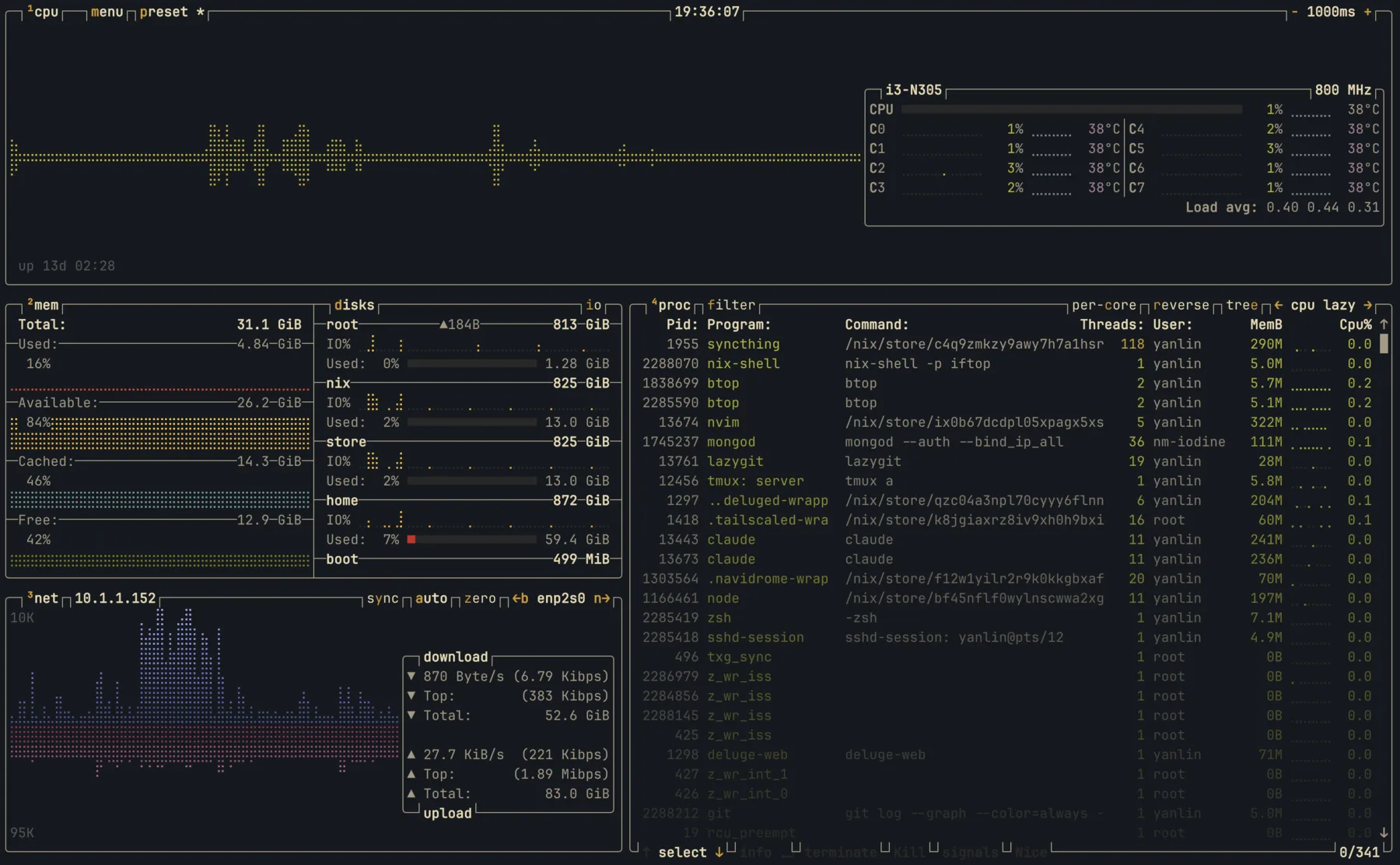
Interface of
btop, with the gruvbox theme.
At the same time, it is very feature-rich and configurable. To some extent, it is also an alternative to bandwidth monitoring tools like iftop and disk utilization tools like df.
ls -> eza
I think there is nothing wrong with the classic ls. So, as an alternative, eza just has a few quality-of-life improvements, like file type icons, Git status, and (based on personal taste) prettier colors.
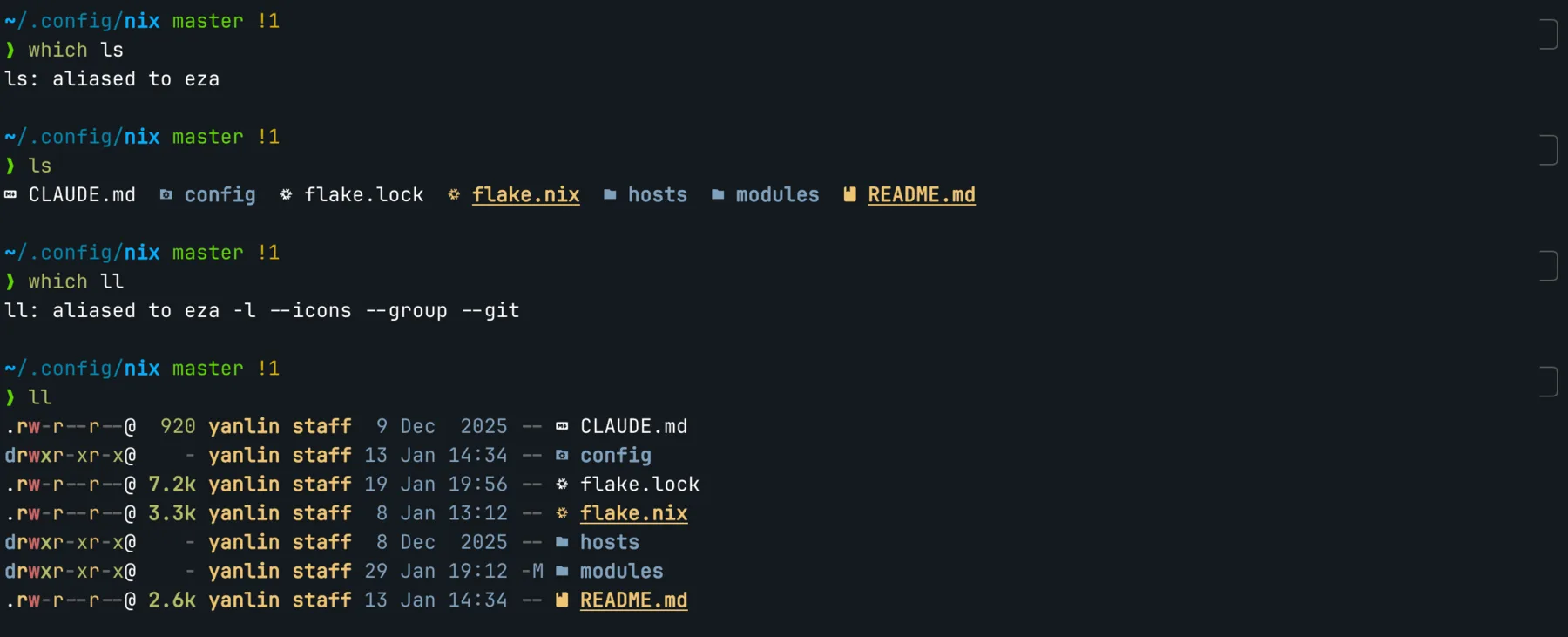
ezaadds icons and color tolscommand.
It can replace the tree command as well.
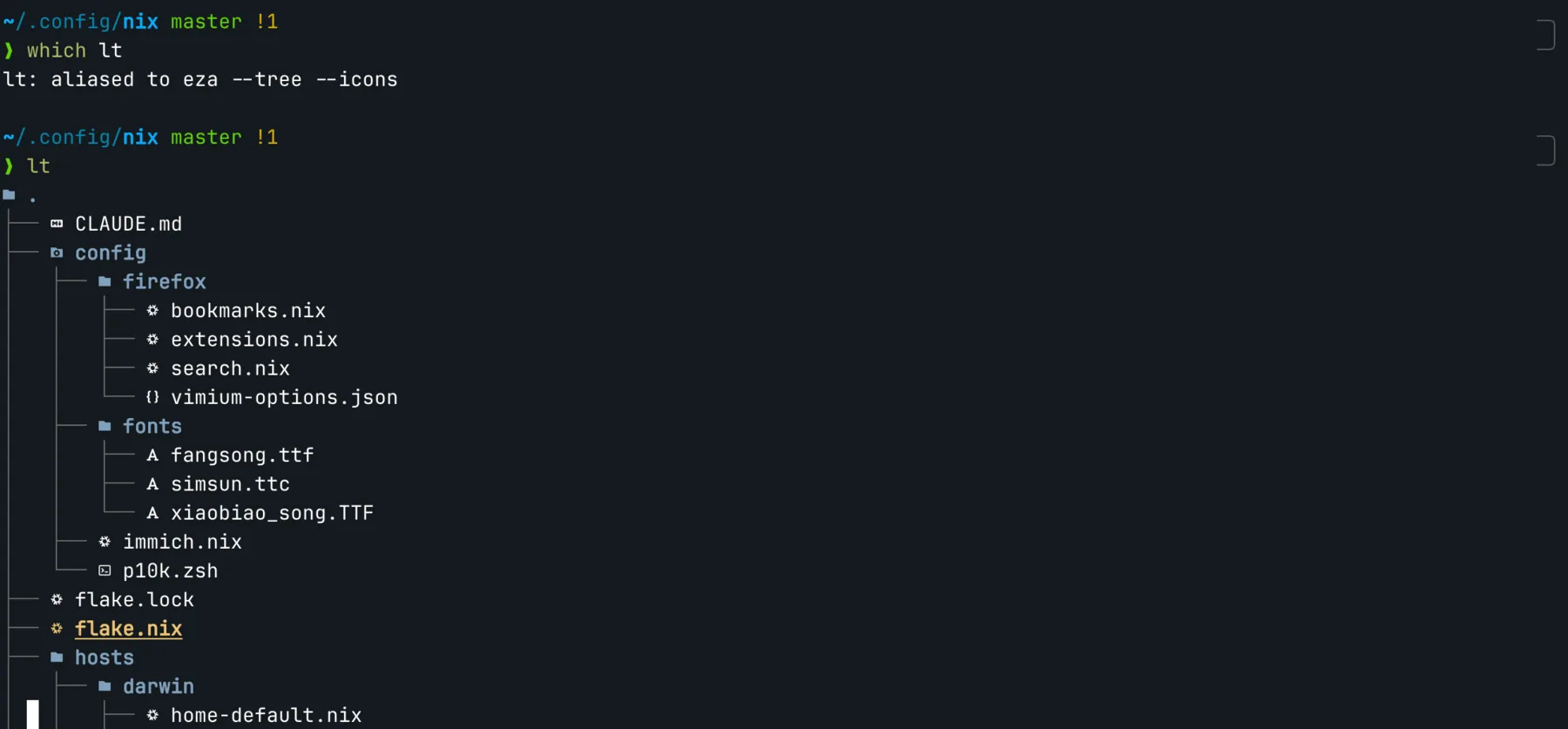
File tree display of
eza.
vim -> nvim
Many people still haven't overcome the biggest vim challenge to this day: exit vim without turning off your computer.
It took me some effort to get familiar with vim keybindings back when I was an undergraduate, but I am definitely not going back.
You can simply use vim keybindings in many editors or IDEs. vim itself can feel a bit restrictive serving as a fully-featured code editor.
neovim is a rabbit hole that I won't be trying to comprehensively cover in this post (nor could I).
To put it simply, it is a TUI editor that can truly be your only text editor. With countless plugins and ways to configure it, it can be a basic text editor, or a fully-featured development IDE, or anything in-between.
Syntax highlighting, file browser, fuzzy search, intelligent autocompletion, debugging, AI™ integration. You name it, neovim has it.
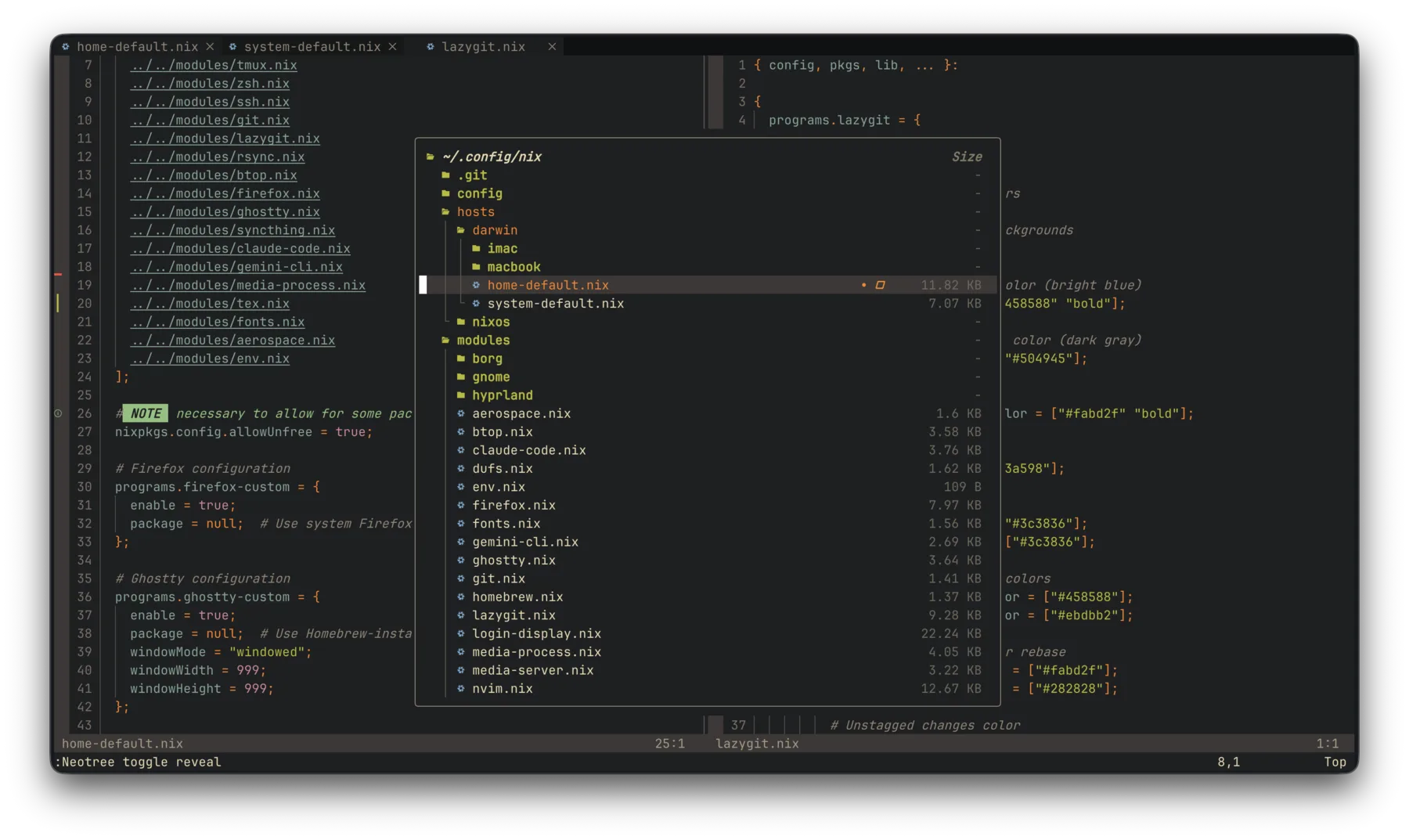
Interface of
neovim, with neotree file browser.
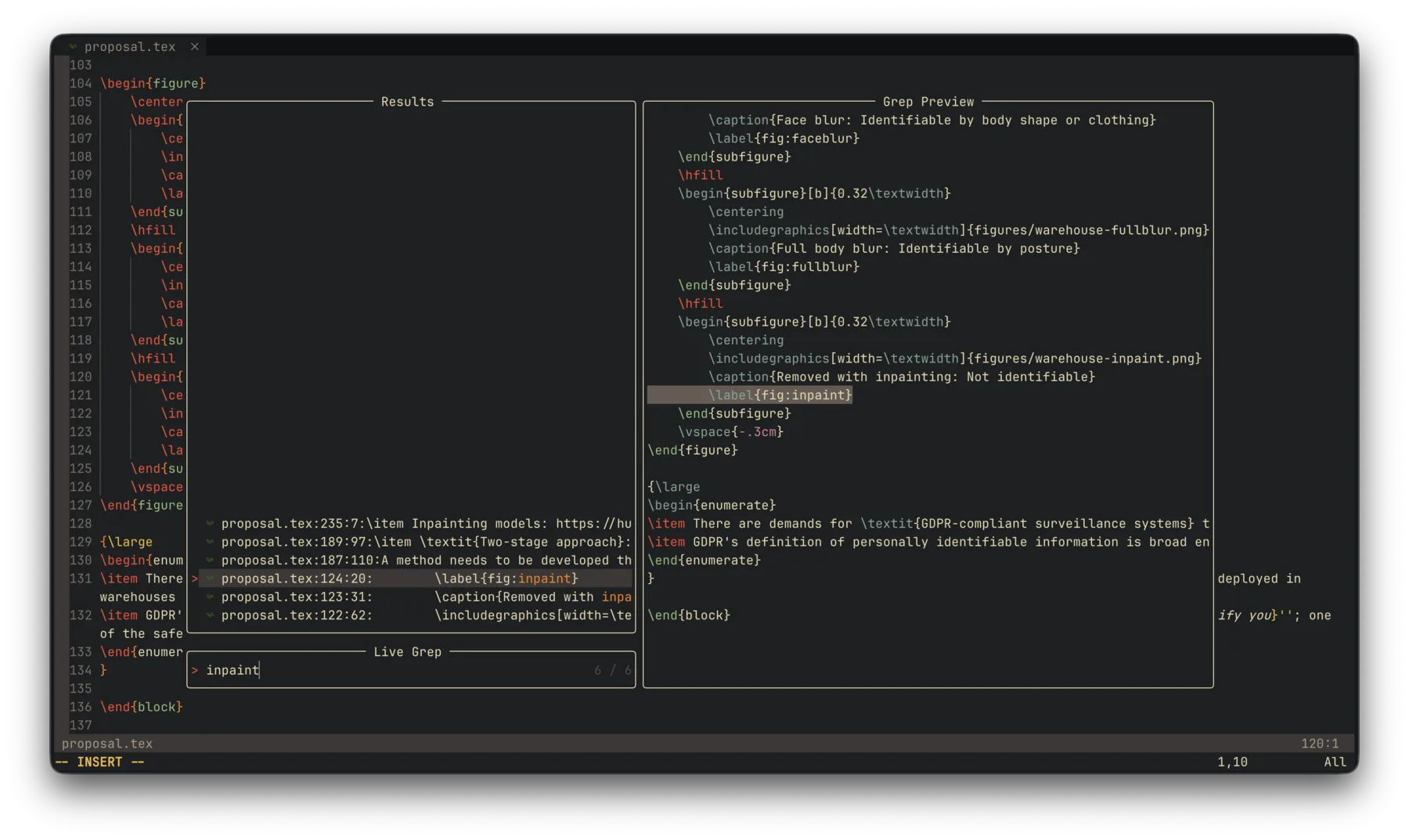
Interface of
neovim, with telescope search.